
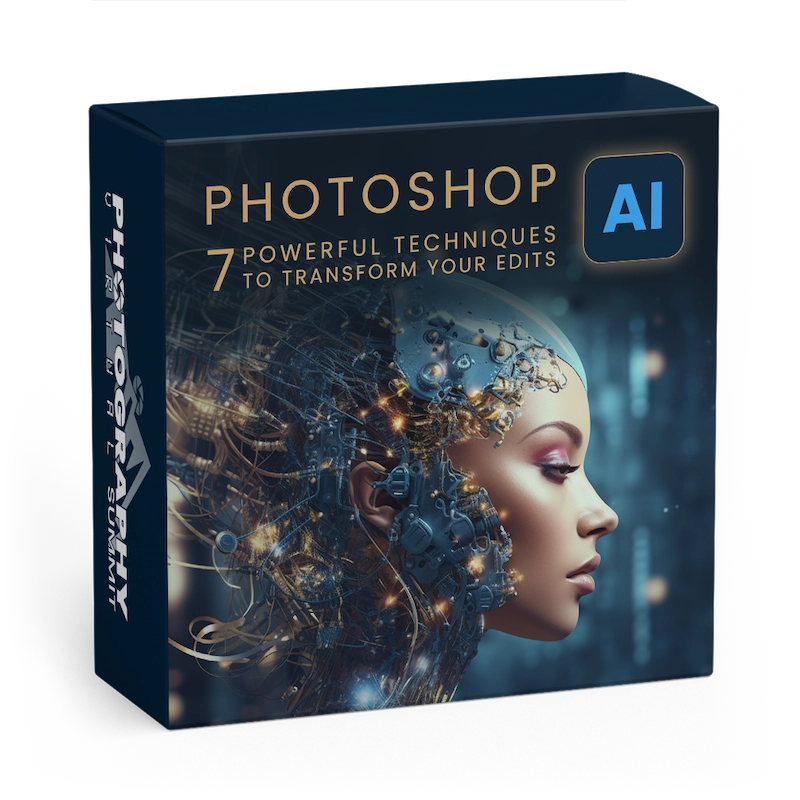
Photoshop AI/ 7 Powerful Techniques to Transform Your Edits

Hi . Thanks for checking out the 2026 Photography Path To Mastery!
Download Access is limited to VIP Pass holders who have purchased the Download Access Pass.
VIP Pass
Your ability to get the VIP Pass ends in:
$1680 Value
ONLY: $78
Goes away on May 19th at Noon Pacific Time!
- Lifetime Steaming Access to the Photography Path To Mastery 5DayDeal
- Exclusive Extras and Bonuses – Download presets, tools & exercise files. (Does NOT include tutorial videos downloads).
- 20+ High Quality Courses
- $1,680+ in retail value
- Discounted 95%+
- You Save $1600+
+
Add the Download Access Pass for the 2026 Photography Path to Mastery 5DayDeal
$1680 + $60 Value
ONLY: $97
- Get Everything listed above plus Download all the Video Tutorials included in the 2026 Photography Path to Mastery 5DayDeal.
Student reviews
Written by students who have finished this course.

Loved this presentation. Lots of useful information, presented in an easy-to-follow format.

Efficient as always.

I loved the course. It’s short and precise. I could learn the features really quickly.

Thank you for the interesting, helpful and extremely useful tutorials. Aaron Nace is a wonderful instructor. He explains with clarity the use of the incredible Photoshop tools: how to use them, and the tricks to improve editing and end with an amazing result.

It is very interesting to see the many ways to use Generative Fill while still using your own image (very important for competitions).

A great in-depth lesson!

Good, but short and simple tips, nothing in depth. I would have liked to know, in module 5, Artistic Effects, whether changing the brightness to anything other than 20% would produce different results, and if so, what those results would look like. I wish the seven tips had been edited into one video. It was annoying to have to watch the same intro and outro for each section, much less have to click on each section to start each video.

The best, and easy to follow.

It’s scary how easy it is to change things in Photoshop. On the other side of the coin, you can do things you could never do before, like adding a dragon or a hobbit into your art!

Simple examples and explanations of how to create, expand, and so on. This was not a cluttered instructional video on the use of AI in Photoshop. Thanks!
Reviews come from students who completed this course. Log in to leave yours.
Need help with this course? Reviews are not actively monitored by support. If something will not download, play or unlock, tell us directly and we will sort it out.
Contact us
I knew this would be an extremely helpful course, and it was! I love how the course is broken into shorter lessons, making the subjects easier to locate when I want to review something in particular again. His language is so easy to understand, and he speaks at a perfect pace. He makes the lessons fun, without a lot of wasted time. I’ll continue to follow him, as I have for many years.