
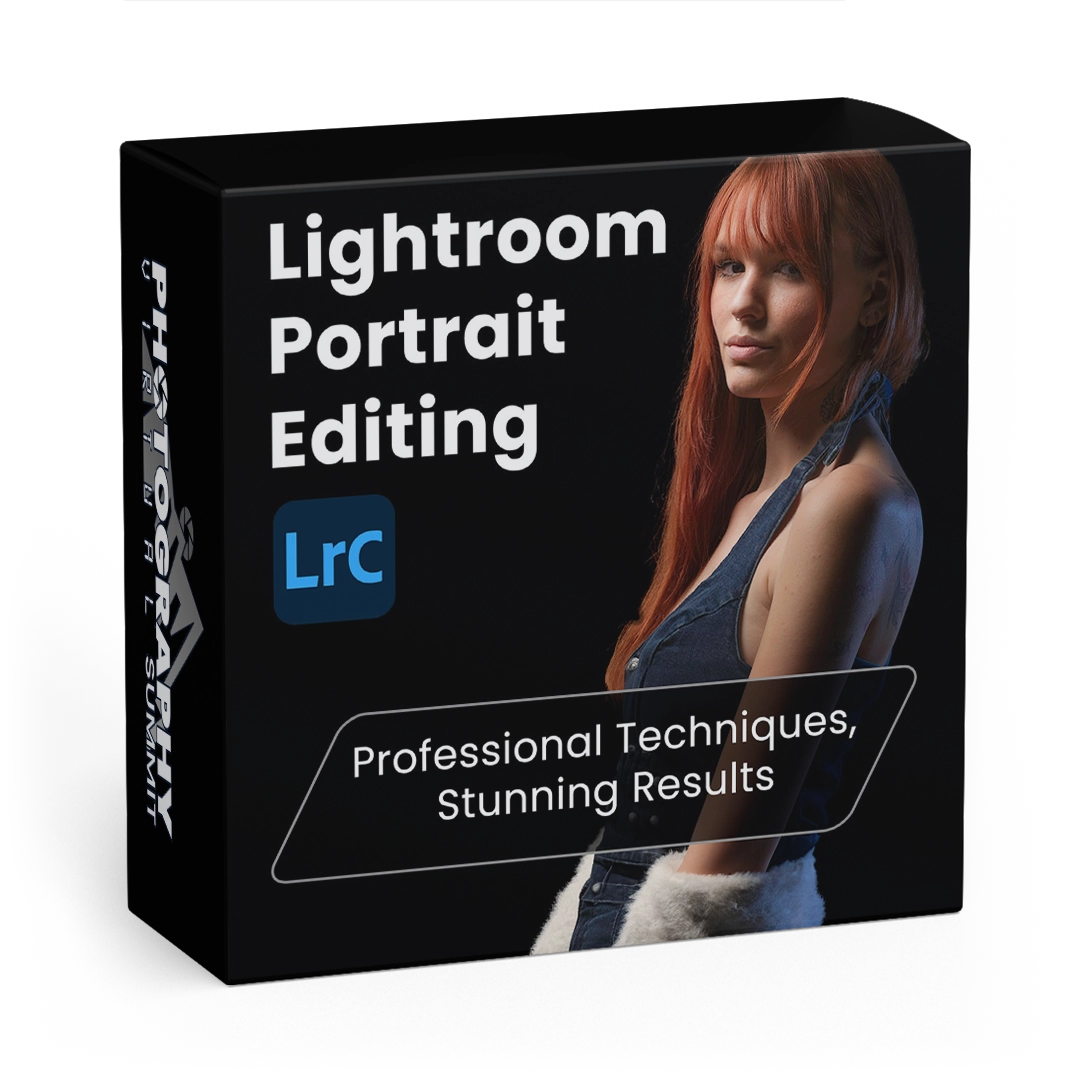
Lightroom Portrait Editing

Student reviews
Written by students who have finished this course.

This class was really helpful to me and my editing.

I was able to appreciate the new tools available in Lightroom since I last used it a few years ago. Thank you.

Great session. An excellent teacher.

A clear tutorial.

Nice to see how to use some of the newer features.

Really enjoyed this course and the instructor. Lightroom awesomeness!

Piet was fantastic! He gave great information and techniques, and did it clearly and concisely. I think this is the best and most useful presentation of the summit. Thanks!
Reviews come from students who completed this course. Log in to leave yours.
Need help with this course? Reviews are not actively monitored by support. If something will not download, play or unlock, tell us directly and we will sort it out.
Contact us
Piet really knows his stuff. He carefully explains his reasoning and processes as he edits, making it really easy to follow. Loved it. Thanks heaps, Piet.